
Free Heuristic Analysis Template
This is a free template for you to start your Heuristic Analysis
Hello, UXers, Product Enthusiasts, Designers, and the Curious!
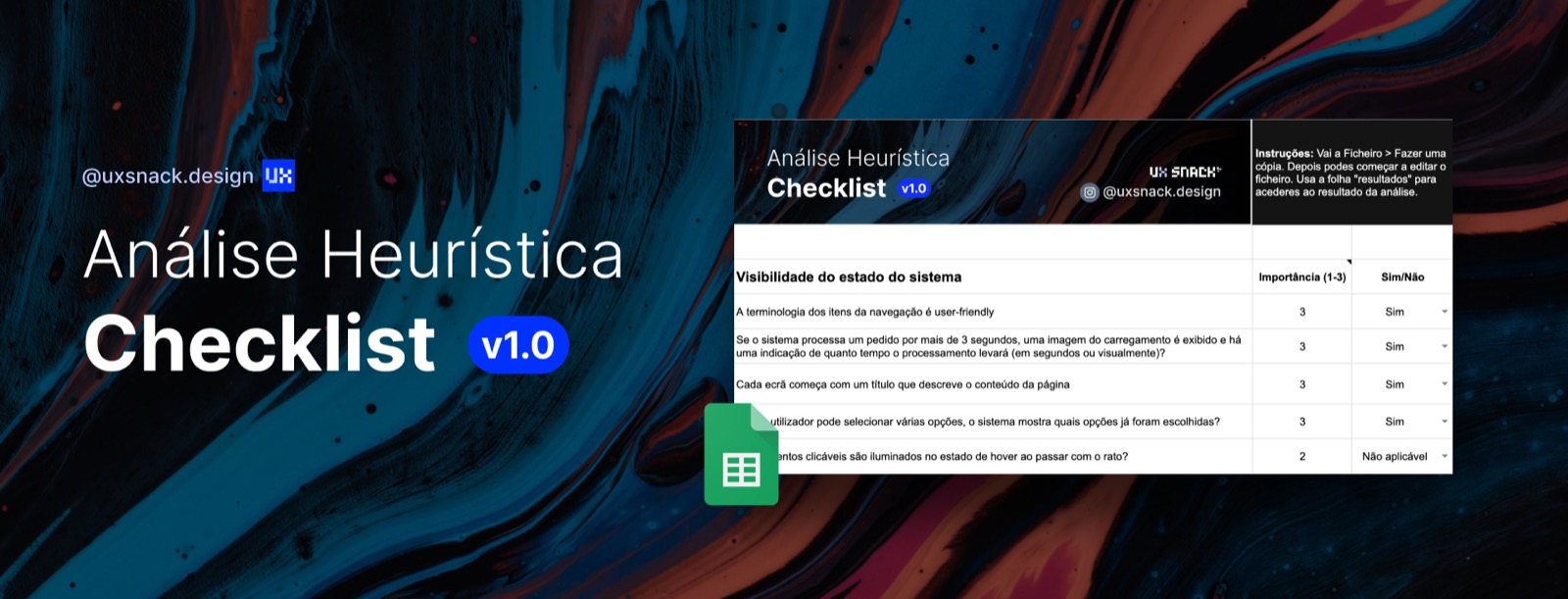
Today, I decided to share with you a checklist I’ve been working on over the past few weeks to streamline heuristic analysis.
It’s common for just one or two professionals to carry out this analysis. However, it’s worth noting that heuristic analysis yields better results when conducted by 4 to 6 evaluators.
What is Heuristic Analysis?
Heuristic analysis or evaluation (Nielsen and Molich, 1990; Nielsen, 1994) is a usability evaluation method for identifying issues within a system. This method can uncover up to 40% of the most critical problems. Therefore, it is essential to complement it with other validation methods, such as usability testing.
This evaluation is conducted based on usability principles, also known as “heuristics.” For this purpose, we rely on Nielsen’s 10 heuristics:
-
Visibility of System Status
-
Match Between System and the Real World
-
User Control and Freedom
-
Error Prevention
-
Recognition vs. Recall
-
Consistency and Standards
-
Flexibility and Efficiency of Use
-
Aesthetic and Minimalist Design
-
Help Users Recognize, Diagnose, and Recover from Errors
-
Help and Documentation
What Is the Difference Between a Heuristic Evaluation and an Expert Review?
According to usability.gov, the main difference lies in the approach taken by an expert review. This method assumes that the professional conducting the analysis has sufficient knowledge and experience to evaluate the system with the heuristics in mind. As a result, the expert review is less formal and does not require specifying which heuristic is responsible for a particular issue.
The Checklist
👉🏻 This is a tool designed to help newcomers in the field carry out heuristic evaluations or maintain consistency across projects. Share your feedback in the comments!
You can access the checklist here 👇
Google Sheets Checklist Template
How It Works
-
Log in to your Google account or create one if you don’t have it yet.
-
Go to **File > Make a Copy** to create an editable version of the file.
-
Use the “Results” sheet to view the outcomes of the analysis.
And you’re ready to start editing and working with the checklist!